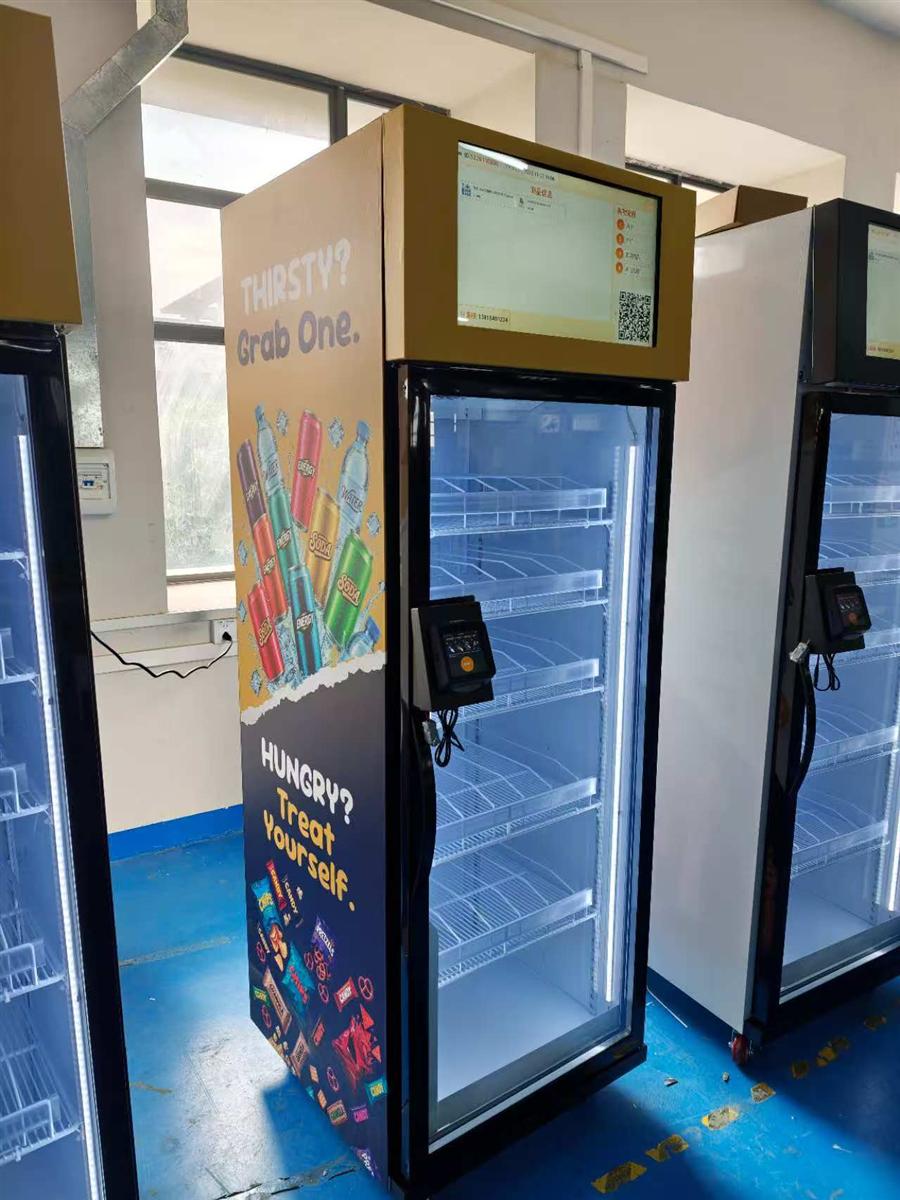
Adding New Products to an AI Vending Fridge: Registration and Retesting

Before adding a product to an AI vending fridge, confirm package fit, storage conditions, catalog registration, recognition and the final charged price. A new flavor or redesigned label can require review even when the physical package still fits. Agree the supplier’s change procedure during procurement so your team knows what it can update and what needs technical approval.
Which changes need review?
Treat a new SKU, different size, new flavor, promotional sleeve or redesigned package as a controlled change. Record what changed and ask whether new samples or recognition setup are required. A barcode or product name update alone does not establish that the recognition system has been validated for the physical item.
The WEIMI WM22ZLD product description calls for testing actual packages and reviewing new products and package redesigns before they enter the active assortment. Confirm the procedure, service scope and any fees for the ordered configuration.
Prepare a product registration record
Use a distinct identifier for each sellable version. Include the full name, variant, unit price, dimensions, filled weight, package photographs and storage requirements. Keep old and new artwork distinguishable while the transition is underway. If multiple versions may be stocked together, ask the supplier to assess that situation explicitly.
- Send representative physical samples, including seals and outer wrapping.
- Identify products with similar colors, graphics, shapes or sizes.
- Specify the shelf arrangement and expected loading pattern.
- Record the planned start date and the person approving activation.
For food, retain the manufacturer’s storage, expiry and preparation information. A cabinet temperature setting must suit the product and ordered equipment configuration; registration in software does not establish food suitability.
Validate fit and recognition before activation
Check whether the package stands securely, can be picked up comfortably and stays within the approved shelf layout. Do not assume that existing recognition approval covers a different arrangement. Ask which changes to shelf positions need a further review.
- Confirm that the test catalog contains the correct product and retail price.
- Test the new item alone and alongside similar approved items.
- Test multiple items and supported take-and-return actions.
- Compare the final basket, charge and inventory change with what was physically kept.
- Record exceptions, obtain corrections and repeat the affected tests before release.
Agree test scope and acceptance criteria with the supplier. Use the AI smart fridge recognition acceptance checklist to define a wider trial. It is more useful than assuming one accuracy figure applies to every package.
Coordinate pricing and stock changes
Confirm the displayed name, image and price against the amount charged after a completed session. Review the workflow for promotions and price updates if they are included in the supplied system. Changes made in a dashboard should be checked on the live customer interface before normal sales resume.
During a package transition, reconcile quantities removed, quantities added and the software stock record. Label refill instructions clearly so staff do not mix unapproved items into an active selection. If a replacement product is unavailable, follow the agreed out-of-stock procedure rather than substituting a look-alike package without review.
Questions to include in the software quotation
- Who can create products, upload images and approve prices?
- Which changes can the operator perform, and which require supplier support?
- Are registration, recognition updates or retests chargeable?
- What samples, information and preparation time are needed?
- Can the operator retain a change history and roll back an incorrect entry?
- What happens to unsettled transactions during a catalog change?
These are procurement questions, not a promise that every system supplies the same functions. Request a demonstration of the ordered package and document responsibilities for updates and support.
Frequently asked questions
Can I add any product that fits on the shelf?
No. Fit is only one check. Storage conditions, recognition setup, customer handling and settlement must also be validated for the actual assortment.
Does a new label always require retraining?
The required procedure depends on the supplied recognition system and the change. Submit the new package information and obtain the supplier’s assessment before activation.
What should refill staff receive?
Provide the approved product list, package photographs, shelf plan, stock-entry instructions and a route for reporting unexpected products or packaging. Record who approved the change.
Review the WEIMI smart fridge range and send WEIMI your planned assortment and update requirements. Ask for product registration and retesting responsibilities in the quotation.
Similar-Looking Meal Packages in AI Fridges: What Buyers Should Test
AI Smart Fridge Recognition Testing: A Buyer’s Acceptance Checklist
Related Article