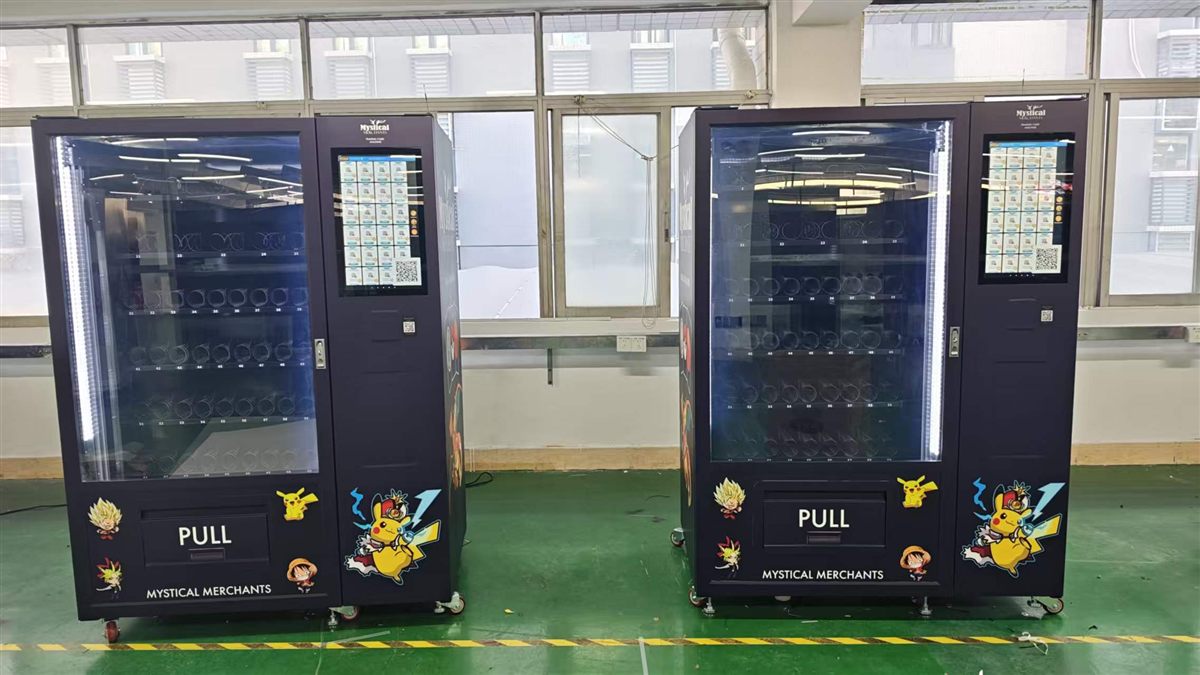
Vending Restocking: Does Adding Products Automatically Update Inventory?

Do not assume that placing products inside a vending machine automatically updates its inventory record. The process depends on the selected machine, software and configured stock method. Ask the supplier to demonstrate replenishment on the exact configuration you are considering.
What should the demonstration show?
Start with a known physical count. Add a counted quantity of one approved product, complete the operator’s required steps and inspect the resulting record. Ask whether staff must enter a quantity, confirm a loading action or follow another procedure. A sales report and an inventory count answer different questions.
Check the product assignment as well as the number. Moving a pack into another lane, shelf or compartment can affect the configured layout. For a recognition fridge, confirm the approved product registration and placement process; do not assume an unfamiliar package becomes supported when it is placed inside.
What if the count is wrong?
Ask who can correct a discrepancy and whether the system records the reason or user if that feature is included. Test a documented adjustment using the supplier’s procedure. Removing damaged or expired stock is different from recording a sale, so the operator needs a clear method for both.
Before acceptance, compare the remaining physical stock with the record after replenishment, a test sale and an approved removal. This checks the workflow without claiming that any system eliminates the need for stock checks.
Review the WEIMI machine range and software scope questions. Request a replenishment demonstration using your proposed products and staff responsibilities.
Vending Machine Pilot Acceptance: What Must Pass Before a Fleet Order?
Related Article